Turned blank screens into guided moments in Plane
I redesigned Plane's empty states so every blank screen explains what a feature does and what to do next.
My role
Competitor research, audit, ideation, crafting the states, stakeholder validation
TEAM
1 Product Designer,
1 Engineer
Duration
2 months
Industry
Project management
Company

Problem
Blank screens gave users no guidance. Onboarding stalled and support tickets went up, because people couldn't tell what a feature was for.
How I did it
01
Audit
Collected every empty screen and their use case in the product: 60+ states, 120+ counting light and dark modes.
02
Sort
Grouped them into four types:
Nothing to show
No results
Not enough data,
Upgrade to enable.
03
Tell a story
Gave each illustration one job: show what the feature is for and what to do next.
04
Make it repeatable
One formula for every state: verb + CTA, key component, branding, then the “magic” grid.
05
Hand off
Contributed to a 20-page spec and a Figma kit so engineering could build it.
Glimpse of empty states
Same feature, same space. Old state on the left, new one on the right.
API tokens

Before
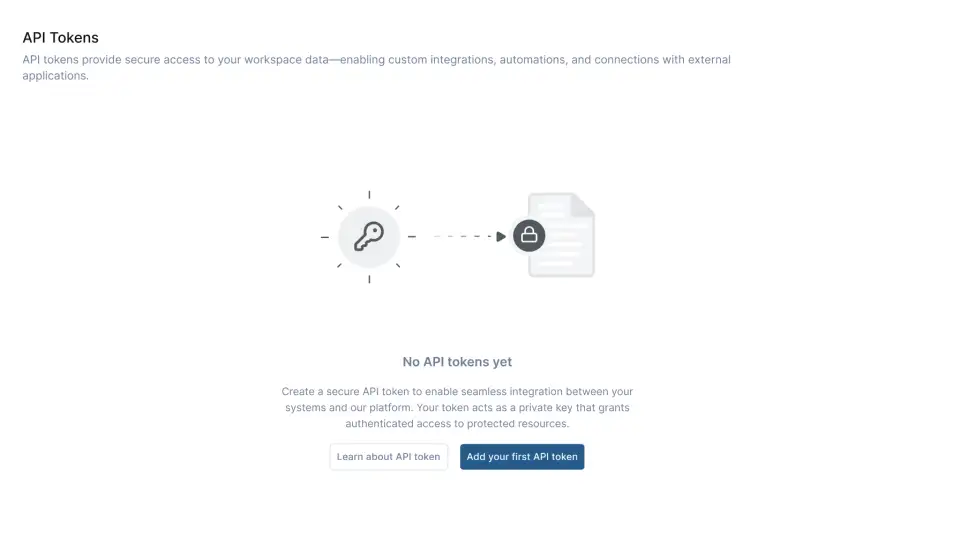
After
Exports

Before
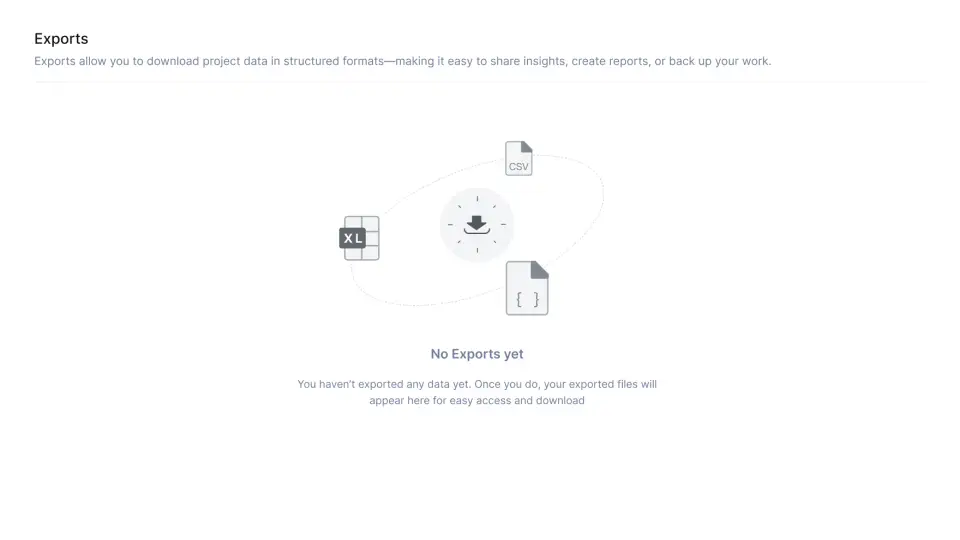
After
Webhooks
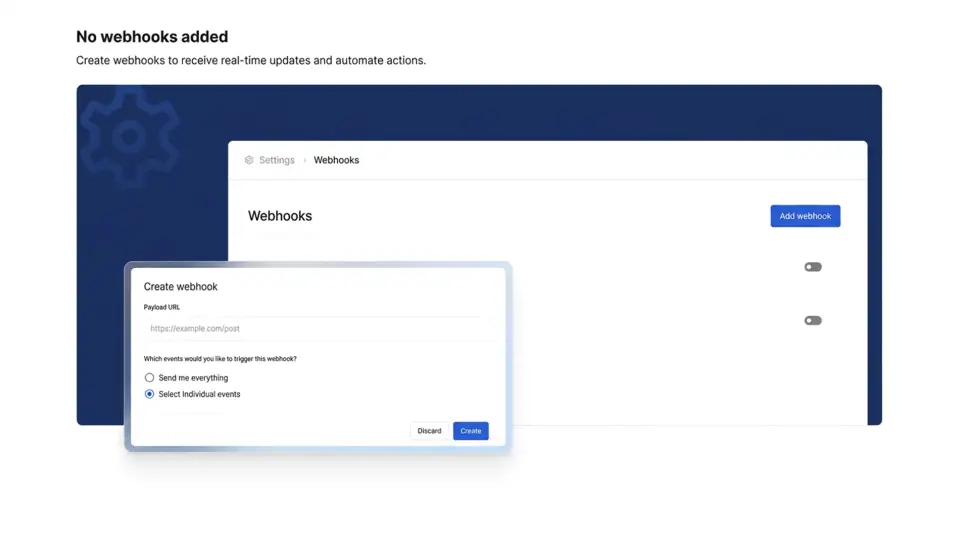
Before

After
Worklogs
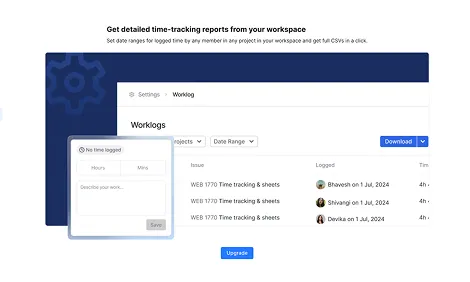
Before

After
More from the 120+ states
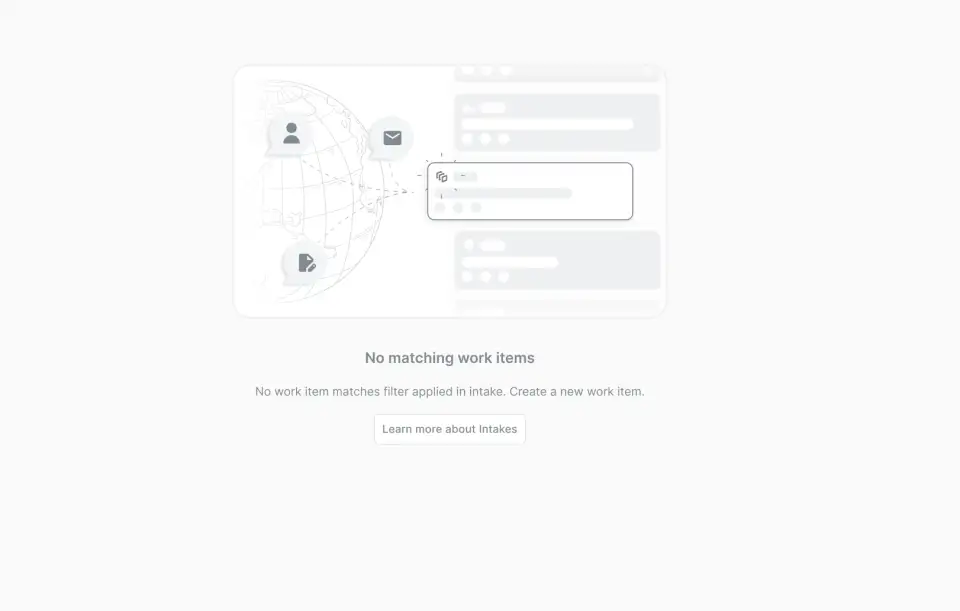
Global intake · No results

Cycles · Nothing to show

Project states · Upgrade to enable

Initiatives · Nothing to show
Results (closed testing)
↑ First-action rate
More people took a first step from a screen that used to be blank.
↑ Upgrade clicks
Locked features got more upgrade clicks once they explained their value.
↑ Expected conversion
Projected conversion to paid plans went up as well.
Measured in closed tests against the old states. Handed off to engineering with a 20-page spec and a Figma kit; not released yet.
Next case study